


| Size | ★★★★ |
| Weight | ★★★★ |
| Functions | ★★★★★ |
| Battery Years | ★★★★★ |
| Price | ★★★★ |


About W-S210 in Short. A Self Charging Solar Power system drives the new Casio W-S210 Series; a new eco-friendly timepiece that graphs Tidal movements & Moon Phases and is 100M Water Resistant.
General Information
| Price | $33 *average Amazon Price, we may earn commission from purchases |
| Year of First Release | 2010 |
| Model Range | Casio Digital Collection |
| Battery Type | CTL1616 (Casio Batteries) |
| Manual | 3214 (official) |
W-S210 Model Range *may be updated

W-S210H-1AV W-S210HD-1AV


*Want to be the first to know about new Collection Updates? Here we store all recent Monthly Collection Updates →
Other Casio Digital WS Watches *similar by price and functions but different by cases
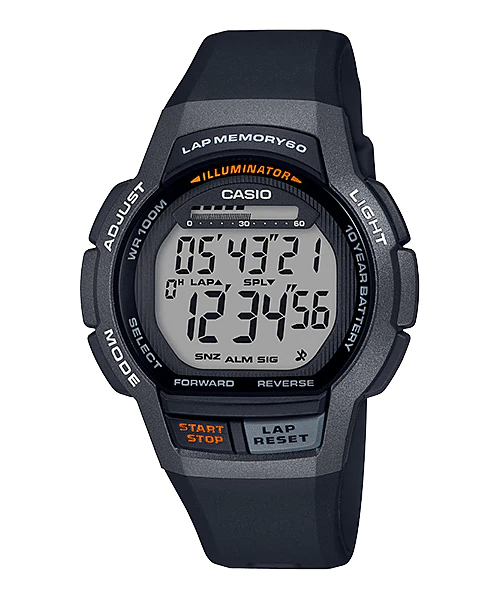
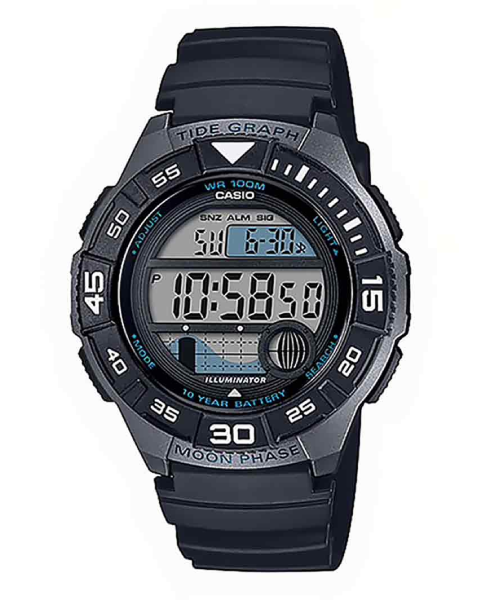
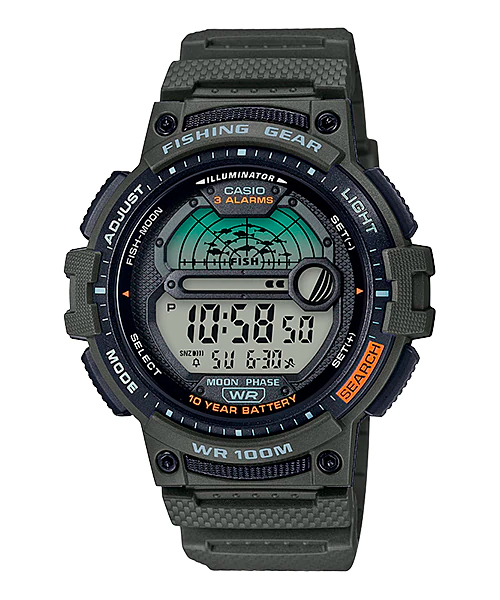


These are not all Casio Digital WS Series. Here is a list of All Casio Digital WS Watches →
Casio W-S210 on the wrist!


Casio W-S210 Display Guide *for key functions only. For you to know how it works))

Timekeeping
To set the time and date
1. In the Timekeeping Mode, hold down A until the city code starts to flash, which indicates the setting screen.
2. Use D and B to select the city code you want.
3. Press C to move the flashing to select other settings.
4. When the setting you want to change is flashing, use D or B to change it.
5. Press A to exit the setting screen.

Tide/Moon Data
In the Moon/Tide Data Mode, press A to toggle between the tide data screen and the Moon data screen.
– The tide graph shows the tide for the currently displayed time. The initial tide data screen shows tide data for 6:00 a.m.
– Use the Tide Data Screen to specify the Tide Data time. You can use D (+) to change the displayed time in one-hour increments.

Stopwatch
The stopwatch lets you measure elapsed time, split times, and two finishes.
– The display range of the stopwatch is 23 hours, 59 minutes, 59.99 seconds.
– The stopwatch continues to run, restarting from zero after it reaches its limit, until you stop it.

Countdown Timer
To use the countdown timer
Press D while in the Countdown Timer Mode to start the countdown timer.
– The countdown timer operation continues even if you exit the Countdown Timer Mode.
– Press D while a countdown operation is in progress to pause it. Press D again to resume the countdown.
– To stop a countdown operation completely, first pause it (by pressing D), and then press A. This returns the countdown time to its starting value.
Official W-S210 Specs / Features *for base version W-S210H
- Case: Resin
- LED: Amber
- Solar powered
- 1/100-second stopwatch
Measuring capacity: 23:59’59.99″
Measuring modes: Elapsed time, split time, 1st-2nd place times - 12/24-hour format
- Accuracy: ±30 seconds per month
- Approx. battery life
11 months on Rechargeable Battery (Operating period with normal use without exposure to light after full charge)
29 months on Rechargeable Battery (Operating period when stored in total darkness with the Power Save function ON after full charge) - Full auto-calendar (to year 2099)
- Battery power indicator
- Button operation tone on/off
- Countdown timer
Measuring unit: 1 second
Input range: 1 minute to 24 hours(1-minute increments and 1-hour increments) - Daily alarms
5 independent daily alarms (4 one-time alarms and 1 snooze alarm) - Hourly time signal
- LED light
Selectable illumination duration, afterglow - Moon data
(Moon age of the input data, moon graph) - Power Saving
(Turns off the display when the watch is left in the dark) - Regular timekeeping
Hour, minute, second, pm, month, date, day - Tide graph
(Tide level for specific date and time) - World Time
31 time zones (48 cities + coordinated universal time), city code display, daylight saving on/off - Size of case : 45.4×44×13.3mm
- Total weight : 41.5g
You ask, we answer…
The watch is good for swimming but not for deep diving.
It shows Moon age of the input data, moon graph.
Measuring capacity: 23:59’59.99″
Measuring modes: Elapsed time, split time, 1st-2nd place times.
Leave a Reply